
Hello All,
Wishing you a Happy New Year.
Sometimes we need to look at more than one message log. As this number increases, the workload starts to increase. Therefore I created this tool and with this tool, you can download different versions of the messages between the two dates as you wish. After that, you can quickly find what you are looking for in the downloaded messages with any third-party software.
This tool works only for 7.4 and 7.5 versions. (for now)
Host field should be: http(s)://:
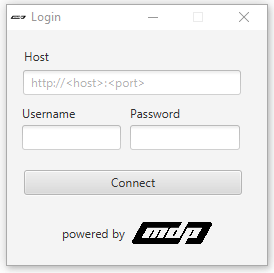
If you have the right permissions, you can log in to the tool.
You need fill all blank fields.
If your integration has not a party, you must fill Receiver/Sender Party field with ” * “.
*This tool limited with 500 messages

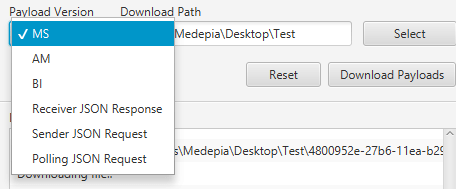
You just can download the “Log version” of the message.
Supported Log Versions;
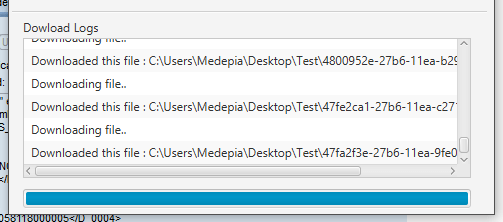
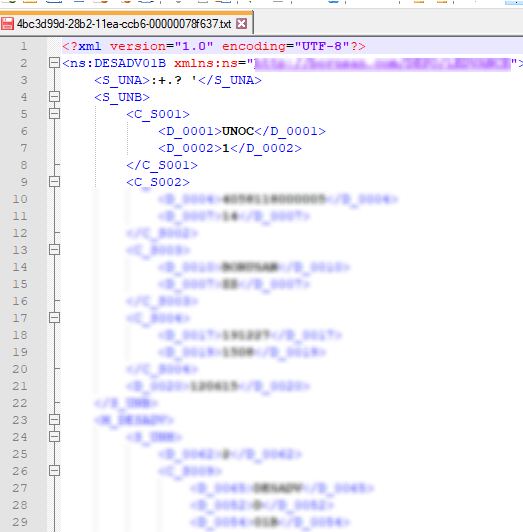
You can see logs when downloading files. The name of the downloaded file comes from the message-id of the message.
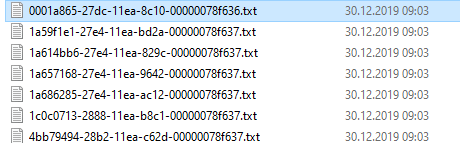
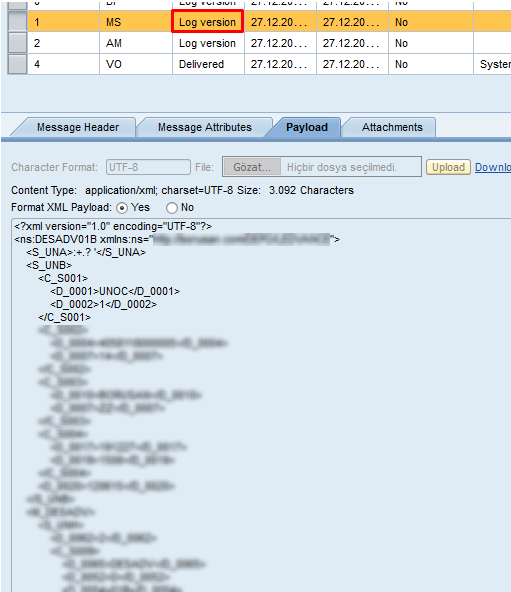
Example 1
MS step from Message Monitor;
MS step from downloaded file;
Example 2
AM step from Message Monitor;

This tool can help you download multiple messages. I wanted to be user friendly when developing this tool. In the coming days, I’m thinking of making improvements and updating for this tool to work on versions 7.31 and below.
Contact us for information about our SAP PI/PO consultancy services.
You can find the JAR file on GitHub.

SAP PI/PO/CPI Consultant
Your mail has been sent successfully. You will be contacted as soon as possible.
Your message could not be delivered! Please try again later.