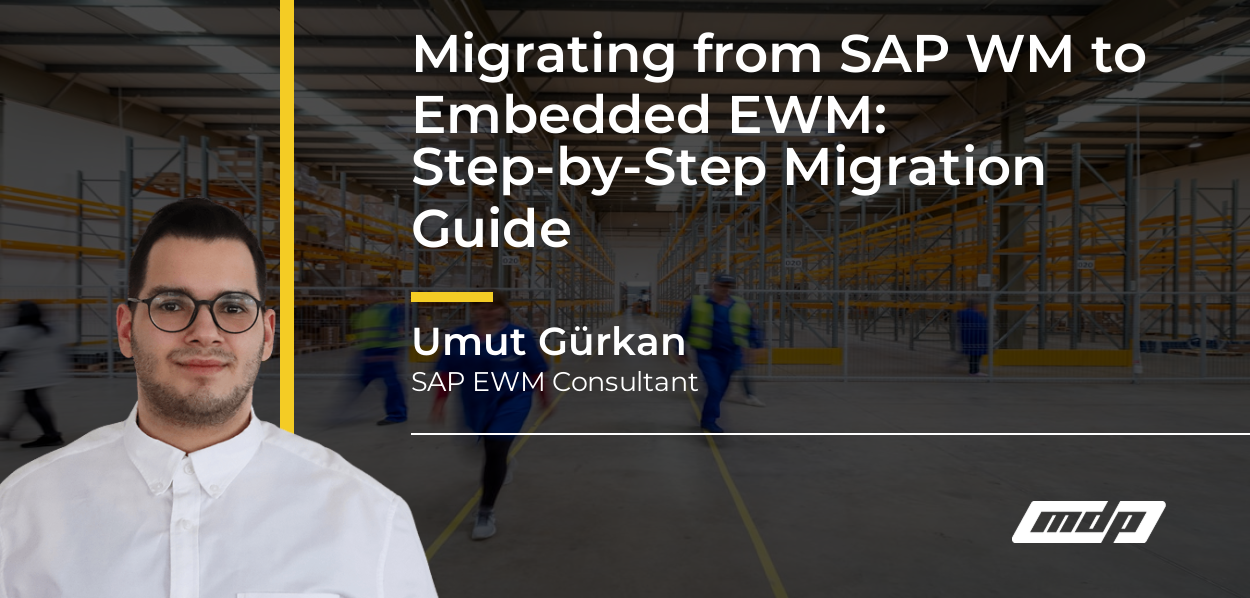
Migrating from SAP WM to Embedded EWM is not merely a technical system upgrade; it is a strategic migration project that requires the redesign of warehouse processes. Although SAP’s Migration Cockpit supports this transition in a structured manner with 34 separate migration objects, the most common errors experienced stem from gaps in cross-functional preparation. In this guide, we walk through migration phases, frequent mistakes, customizing transfer strategies, and cutover management step by step.
Before starting a WM-EWM migration project, the existing system must be analyzed in depth. Skipping or rushing through this phase leads to serious time and cost losses in subsequent stages.
Key areas to examine:
As MDP Group, identifying Z codes and determining their standard equivalents in EWM during the analysis phase is of critical importance. Every Z code either needs to be migrated to EWM standard or redeveloped.
Two fundamental approaches exist when migrating from WM to EWM:
Greenfield (Fresh Installation): S/4HANA EWM is configured completely from scratch. WM customizing is not transferred; processes are redesigned based on EWM best practices. Produces a cleaner system in the long run, but requires more project time and resources.
Brownfield (Conversion): The existing ECC/WM system is converted to S/4HANA. Some WM customizing can be automatically migrated, but EWM-specific new configurations must still be completed manually. In particular, storage type → warehouse process type and transfer order → warehouse task conversions require careful attention. When deciding which approach is right, correctly analyzing the structural differences between WM and EWM will clarify your approach selection.
SAP supports the WM-to-EWM transition through Migration Cockpit (transaction LTMC/LTMOM). This tool manages structured data transfer operations across 34 different migration objects.
The most critical migration objects:
Static Master Data:
Transactional Data:
Important note: Migration Cockpit allows you to load data via templates (Excel/CSV), but data quality is critically important. Data cleansing must be performed before loading.
WM customizing does not map one-to-one to EWM. Due to structural differences, the following conversions must be performed manually:
WM Movement Type → EWM Warehouse Process Type
Movement types in WM (201, 261, 311, etc.) correspond to warehouse process types in EWM. However, the workflow logic differs; in EWM, outbound delivery order, inbound delivery order, and warehouse task are separate objects.
WM Storage Type → EWM Storage Type + Storage Section + Storage Bin Type
EWM’s warehouse structure uses a more granular hierarchy than WM. When migrating your existing WM warehouse structure to EWM, you need to model this structure correctly.
WM Putaway/Stock Removal Strategy → EWM Putaway/Stock Removal Strategy
Strategy codes in WM are configured in EWM through search sequence and storage section indicators.
Error 1: Warehouse Product Master missing or incorrectly populated
A Warehouse Product Master (WPM) must be created for every material in EWM. Without WPM, putaway and stock removal strategies do not function. In WM, this information is held on the Material Master WM view, whereas in EWM it has been moved to a separate object.
Preventive measure: Before migration, prepare WPM data for all active materials and load it into the Migration Cockpit template.
Error 2: Ignoring open Transfer Orders
Transfer Orders that remain open in WM at cutover time do not automatically migrate to EWM. These documents must either be manually completed or cancelled and recreated in EWM.
Preventive measure: Define a freeze window before cutover; do not proceed to cutover without zeroing out transfer orders.
Error 3: Leaving RF/barcode terminal configuration until the last minute
EWM’s RF Framework differs from WM transaction codes. Terminals need to be reconfigured for new EWM transaction flows, tested, and users trained.
Preventive measure: Start RF/terminal tests at least 6 weeks in advance. Conduct full user testing at a pilot warehouse.
Error 4: Skipping stock reconciliation
After migration, verifying alignment between WM and EWM stocks is mandatory. Go-live should not proceed without running bin-level stock comparison reports.
A successful cutover is the product of preparation that starts weeks in advance. Below you can see a recommended cutover plan:
Cutover -2 Weeks:
Cutover -48 Hours:
Cutover Day:
First 48 Hours After Go-Live:
Before starting migration, decide whether to use Embedded or Decentralized EWM, considering the automation scenarios EWM supports. The choice between these two models shapes your entire migration plan.
Migration Cockpit is not mandatory; however, managing 34 migration objects through templates reduces the likelihood of errors and provides traceability. Using Migration Cockpit is strongly recommended especially for loading stock and bin data.
No. Custom ABAP developments on WM cannot be directly migrated to EWM. The standard equivalent of each Z code in EWM must be analyzed; if no standard equivalent exists, it must be redeveloped using EWM BAdIs or Business Add-Ins.
A medium-complexity WM-EWM migration project (2–5 warehouses, limited Z code) typically takes 4–6 months. For high-volume, multi-site projects with extensive custom developments, this duration can extend to 9–12 months.
Migrating from SAP WM to Embedded EWM is a multi-phase project requiring proper planning, comprehensive data preparation, and testing discipline. Migration Cockpit and the 34 migration objects provide a powerful infrastructure; however, an experienced team is essential for correct use of this infrastructure.
As MDP Group, we are ready to support your project through the preparation, design, and cutover phases, drawing on our experience in WM-EWM migration projects.
SAP Help Portal – Extended Warehouse Management for S/4HANA
MDP Group – SAP WM or EWM? Choosing the Right Warehouse Solution
MDP Group – Embedded EWM vs Decentralized EWM

SAP EWM Consultant
Your mail has been sent successfully. You will be contacted as soon as possible.
Your message could not be delivered! Please try again later.